

.svg)

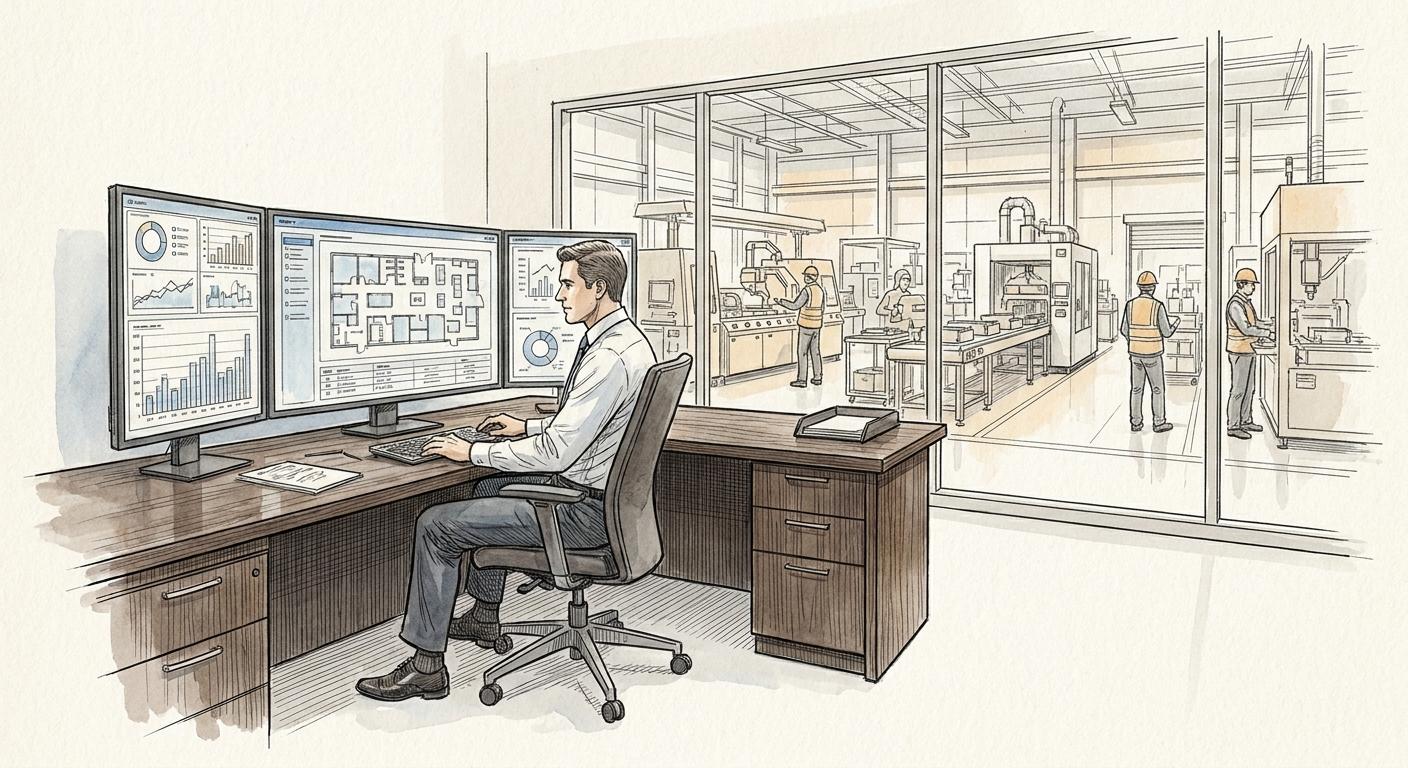
The third step of the build — one connector per domain, so AI reads the same record a person would.
Part four of the Company Brain series. How a connector wires AI to the domain you just made trustworthy — and why the method stays the same no matter which AI tool you use. About five minutes to read.
01 A clean domain nobody can reach is still useless
Part three named an owner for the accounts domain and made it trustworthy: one CRM record, conflicts resolved, nothing stale. But trustworthy and reachable aren't the same thing. Someone exports a CSV so a chatbot has something to read, and three weeks later that export — not the CRM — is the thing giving wrong answers. The domain is clean. The AI is reading a copy of it.
Connect is the step that closes that gap.
02 One connector
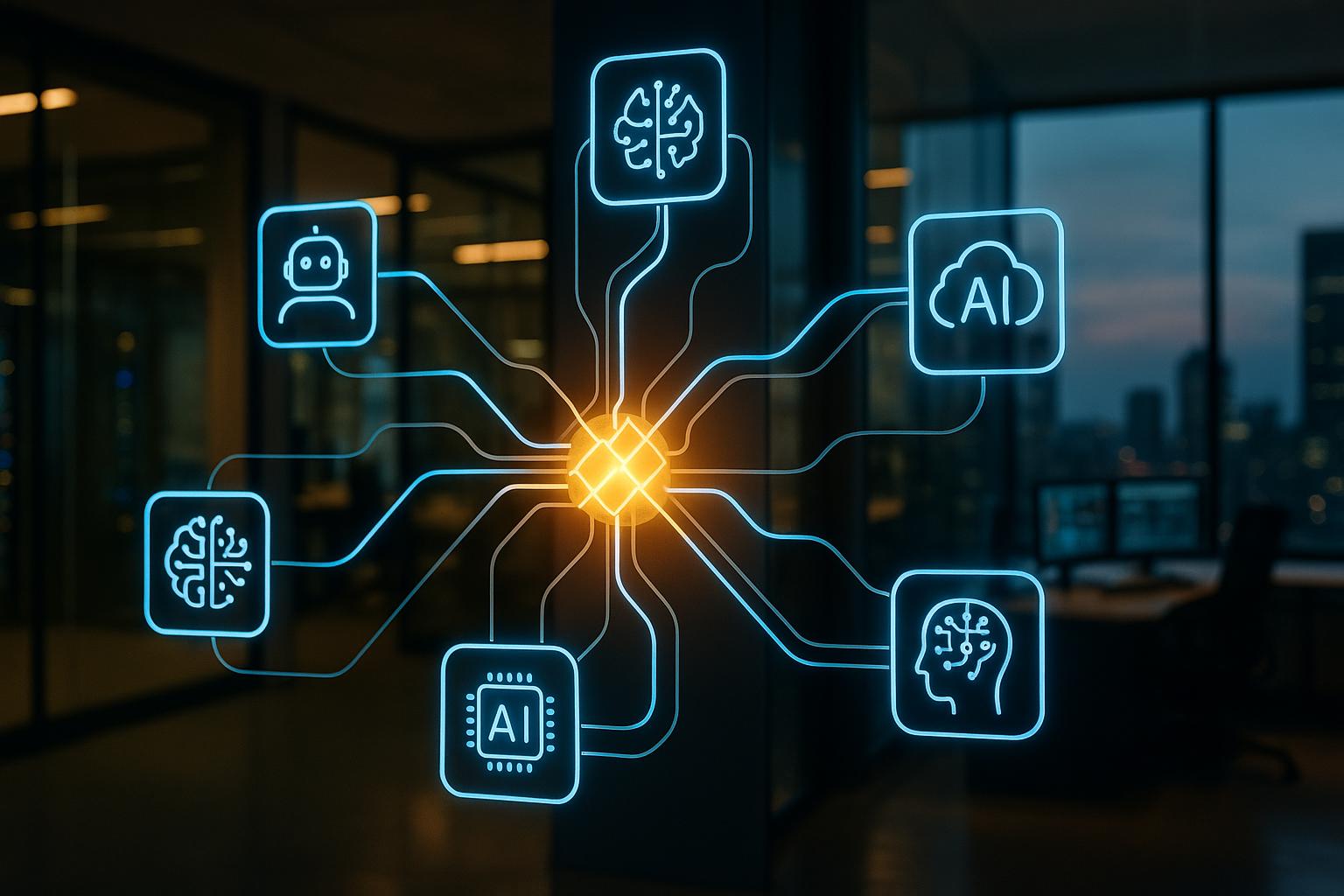
A connector is the shared link between a domain's source of truth and every place that reads it — a person's view and an AI's view, pointed at the same record. Not an export. Not a scheduled sync into a spreadsheet. Not a knowledge base someone re-typed the CRM into by hand. The connector points at the CRM itself, so when a record changes, everyone reading it sees the same update at the same time — including an AI assistant like Claude, working the account.
03 What a project actually is
A project is a dedicated space inside your AI tool, built for one domain: connected to that domain's source of truth through a connector, and carrying the instructions for how work in that domain should actually be done. Anyone on the team who opens it starts from the same context and gets the same results — nobody re-explains the domain from scratch, and nobody gets a different answer because they happened to phrase the question differently.
For accounts, that could be a project scoped to sales calls: connected to the CRM, with instructions for what counts as a signal worth flagging and which fields a call should update. Set it up once, share it with the whole sales team, and every task anyone runs inside it inherits that context automatically.
A project isn't the source of truth, and it shouldn't try to be. It's the environment the team and the AI actually work in — always pointed back at the record that is.
04 How to connect a domain
1. Confirm the source of truth — this was already settled in Clean. Connect doesn't get to redefine it.
2. Set up the AI tool your company has chosen — Claude, ChatGPT, Gemini, whichever it is. If nobody's decided yet, that's the real first step, not a detail to skip.
3. Find the connector, or build it — check what the tool already offers before building anything. A CRM usually already has a connector available; use it rather than reinventing it.
4. Build a project for the domain, and share it with the team that works in it — anyone who opens a task inside it already has the context. They don't re-explain the domain every time, and they get the same results everyone else does.
5. Check both views match — ask a person and the project the same question about the same account. If the answers differ, something's still pointed at a copy, not the source.
05 What usually goes wrong
Connecting to a copy instead of the source. The export drifts from the CRM the same week someone stops updating it, and now there are two "current" versions again — the exact problem mapping found in the first place, just with an AI reading the wrong one this time.
Connecting everything at once. A domain-by-domain rollout is slower to look finished but far easier to verify. Connecting the whole company in one pass means nobody can say with confidence which domains are actually wired correctly.
Letting a project's own files become the record. It's tempting to upload a spreadsheet or a saved doc into the project instead of relying on the live connector — faster to set up, and it works right up until that upload goes stale. Now the project has an opinion that disagrees with the actual source of truth, and nobody notices until someone acts on it.
06 Questions this raises in practice
What if more than one AI tool needs access?
Build a project per tool if you have to, but point every one of them at the same connector and the same source of truth. The domain doesn't fork just because the team uses two AI tools — only the project wrapped around it does.
Does connecting mean giving AI write access?
Not by default. Connect is about reading the source of truth reliably. Whether AI can write back to it is a separate decision, made domain by domain, once you trust what it would be writing.
Part 5 covers what you can build once a domain is clean and connected — skills, artifacts, and the automations that run on top of them.

Asaf Yosifov
Founder & CEO Asaf Yosifov