

.svg)

Why rigid SaaS dashboards are eroding product stickiness
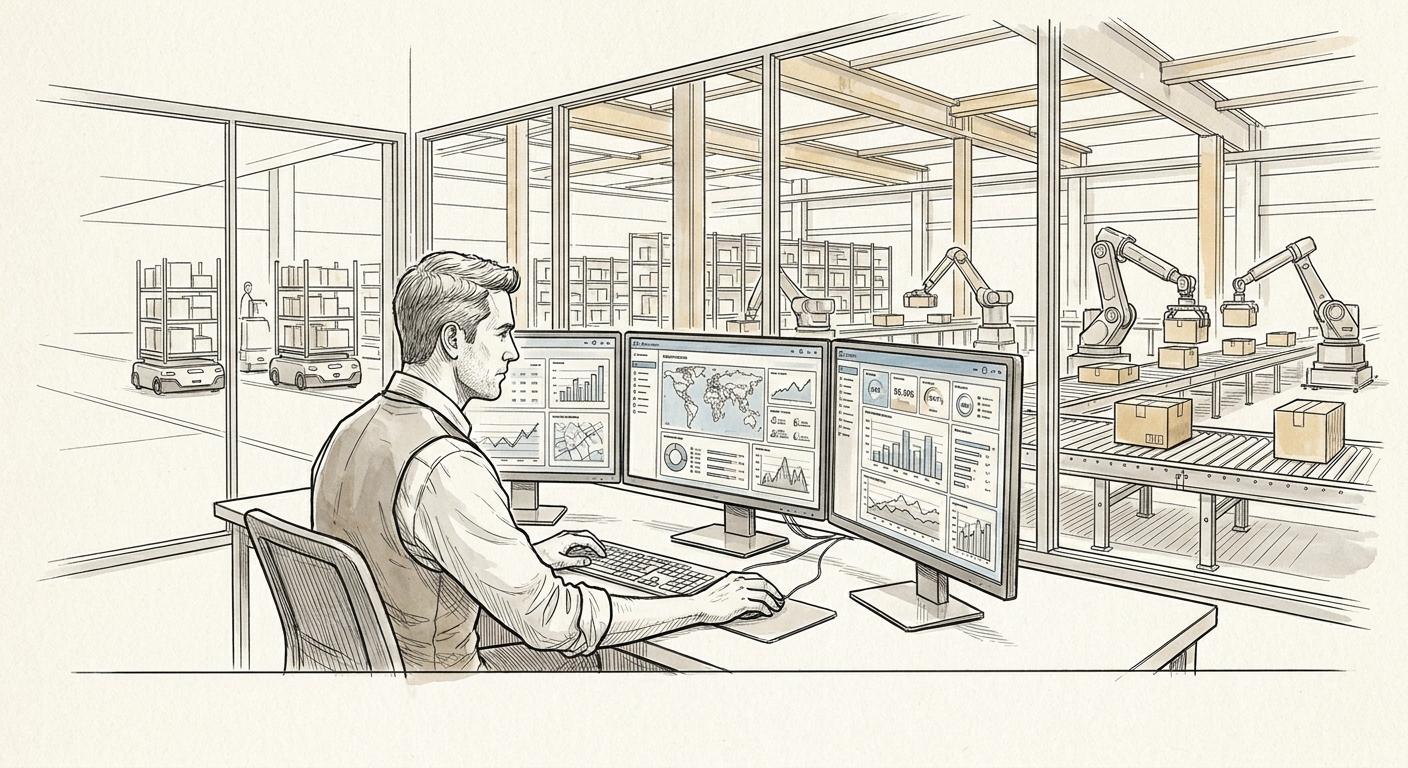
Over the past year across portfolio reviews and client engagements, product leaders have tracked an unmistakable operational trend: daily active usage on traditional reporting tabs is steadily dropping.
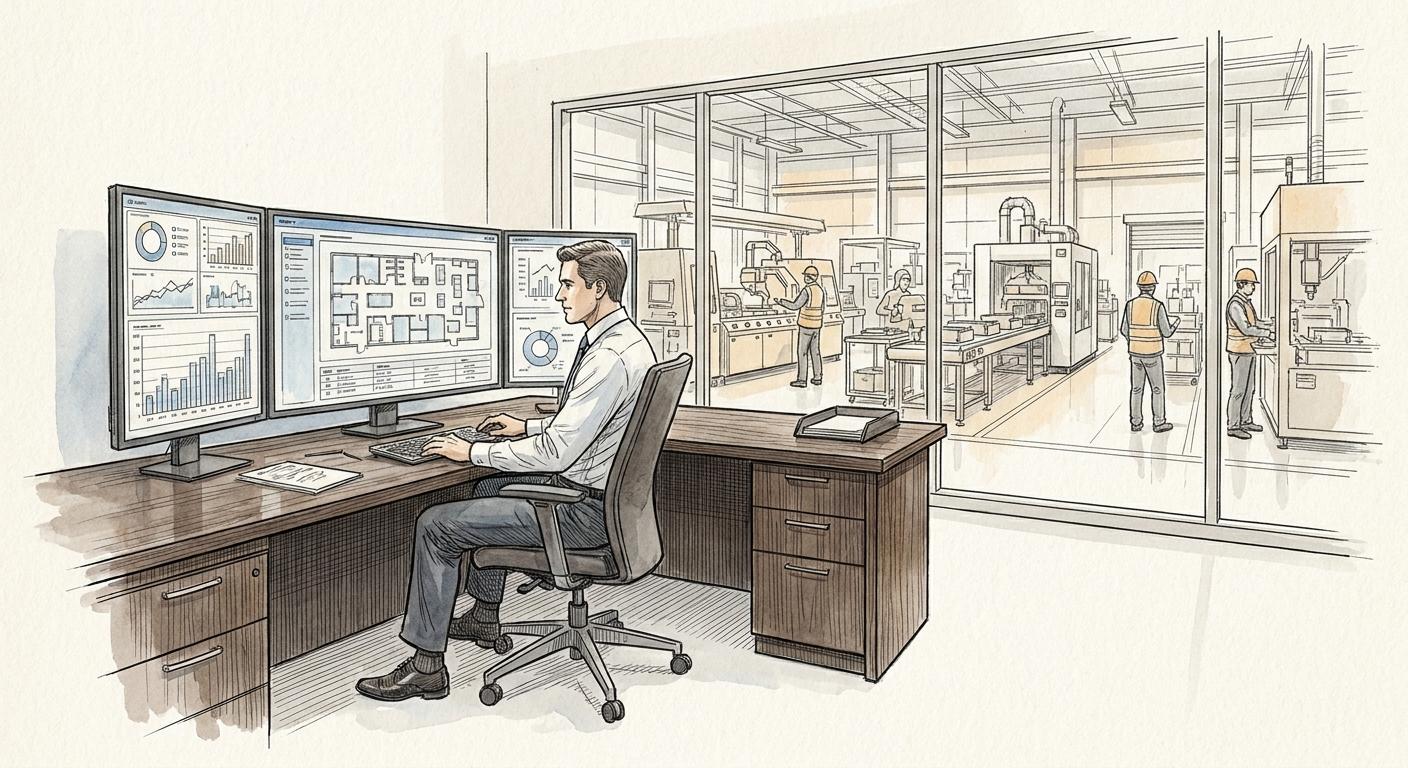
For more than a decade, standard B2B SaaS engineering playbooks followed a predictable path: build static dashboards packed with multi-select dropdowns, nested date pickers, and prefabricated charts. Product teams measured velocity by shipping widgets, while engineering teams invested months optimizing queries to power complex grid layouts.
Today, modern enterprise users rarely want to navigate through five sub-menus and adjust three filter toggles simply to understand why regional churn spiked last Tuesday. They want the core insight, the operational context, and the immediate next step. When software forces users through rigid navigational structures to extract basic business answers, those users often export raw data to external tools or ask an internal analyst to summarize it instead.
When a SaaS platform serves primarily as a periodic CSV exporter rather than a primary operational engine, daily active usage drops, and net retention follows shortly after.
The shift from passive monitoring to intent-driven interfaces
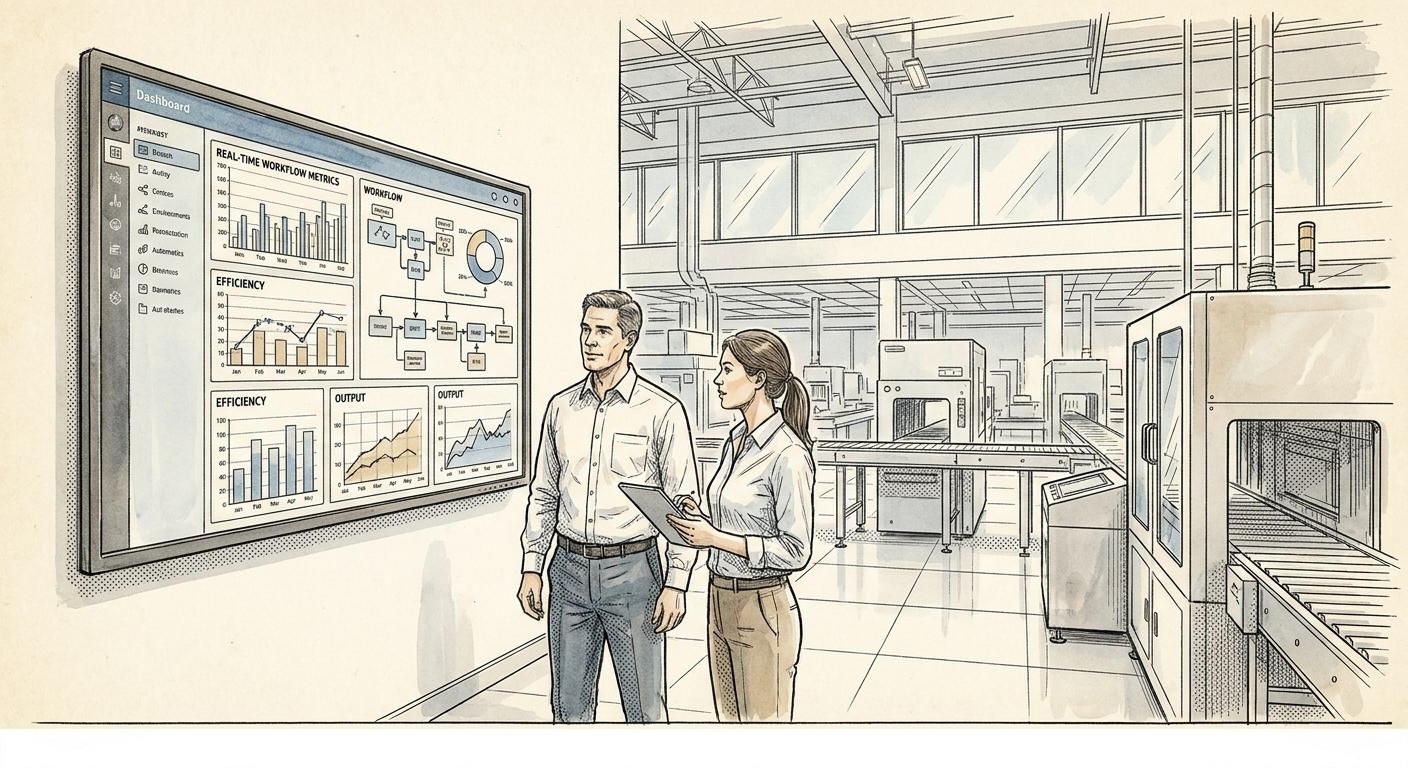
Static business intelligence interfaces assume that user queries fit neatly into predetermined chart designs. In reality, operational questions are fluid and incident-driven. A Vice President of Operations investigating a logistics backlog requires an entirely different layout than a finance manager reconciling gross margins on the same set of accounts.
Historically, product managers attempted to resolve this conflict by adding more tabs, modular widgets, and customizable drag-and-drop canvases. The result was interface bloat: complex, slow dashboards that try to serve every persona at once while satisfying none effectively.
Modern B2B buyers have grown accustomed to direct, natural-language interaction in their daily toolchains. When confronted with dense interfaces that require multi-step query construction, friction mounts quickly. If finding an answer takes more than thirty seconds of menu-hopping, the user experience breaks down.
Generative user interfaces: rendering components on demand
Generative user interfaces (GenUI) resolve this mismatch by replacing rigid layouts with context-aware, dynamic rendering.
What is generative user interfaces (GenUI)? It is an interface architecture where an AI model interprets user intent and renders tailored UI components and visualizations on the fly, rather than forcing users to navigate fixed pages.
Instead of restricting users to prefabricated paths, a generative interface interprets the intent behind a user's prompt and renders the specific UI components required to complete that task in real time.
This is distinctly different from a standalone chatbot sitting in an isolated sidebar. Decorative chat windows that output walls of text without interacting with product state create frustration rather than leverage. In contrast, an integrated GenUI layer renders functional, typed components directly within the workflow:
- Dynamic visualizations: Generating a targeted comparative waterfall chart instead of displaying an entire ten-widget financial tab.
- Inline operational controls: Providing an immediate workflow button—such as adjusting a credit limit, rerouting a delivery queue, or reallocating a resource—directly inside the response container.
- Adaptive filtering: Synthesizing cross-dimensional filters instantly without requiring manual SQL-like parameter configuration.
By treating UI elements as dynamic outputs driven by intent rather than static containers, software adapts to the user's workflow rather than requiring the user to adapt to the database schema.
Implementing an intelligent UI layer without rewriting the backend
Transitioning to generative user interfaces does not require tearing down existing services or refactoring core databases. In production builds with enterprise clients, technical teams consistently deploy intelligent UI layers directly over existing API contracts.
Product and engineering teams can approach this transition methodically through a targeted implementation sprint:
1. Map existing REST and GraphQL endpoints as tools
Your backend already contains the domain logic, permission boundaries, and query optimizations necessary to serve data. Rather than building new data pipelines, expose existing endpoints as deterministic tools to an orchestration model with strict schema definitions.
2. Standardize a shared component registry
Define a clean design system containing structured UI blocks: metric summary cards, time-series charts, data tables, and actionable status badges. When an intent is parsed, the model selects and populates these pre-approved components using verified backend responses, ensuring visual consistency and interface predictability.
3. Enforce deterministic guardrails
Generative models should orchestrate layout and summarize context, not invent data. All analytical numbers and operational commands must originate strictly from verified API responses. Keep human validation mandatory for high-impact actions—such as bulk updates or financial commitments—by rendering confirmation states directly inside the generated component.
4. Instrument user intent telemetry
Static dashboards capture clicks on buttons you built. Generative interfaces capture the raw questions users actually have. Analyzing natural language interaction logs provides immediate, qualitative clarity on what metrics and operational capabilities your customers genuinely care about, directly informing future roadmap priorities.
Shifting from display to action
Enterprise software value is shifting rapidly from data presentation to decision acceleration. Products that remain locked in passive, multi-click dashboards risk becoming backend utilities while conversational workflows capture user attention and operational authority.
Retaining daily active usage requires meeting users at the point of intent. When your interface dynamically serves the exact insight and operational action your customer needs in the moment, engagement moves from occasional inspection to indispensable daily execution.
If your team is evaluating how to modernize your product's user experience without disrupting core backend infrastructure, exploring a targeted GenUI pilot is a practical next step to future-proof your user engagement.

Asaf Yosifov
Founder & CEO at iForAI